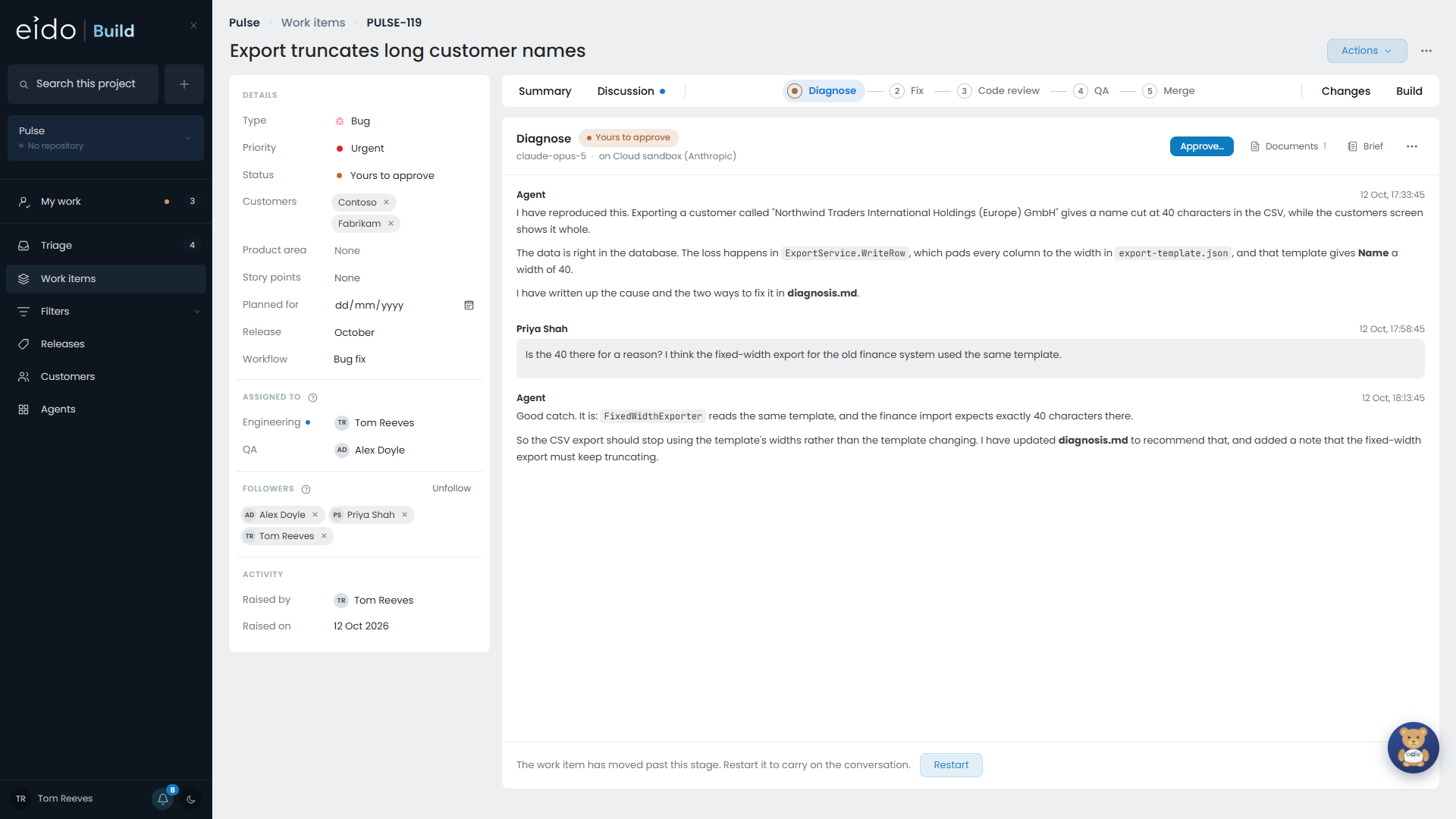
This walks one enhancement through a project that uses the Standard delivery workflow: Design, Refine, Build, Code review, QA, Merge. Your project’s workflow may have different stages, and the steps are the same.
-
Raise it
Open Create and choose New enhancement. Give it a title and describe what should change and how you will know it worked. You can paste screenshots straight into the description.
If you wrote it in a hurry, Rewrite with AI tidies it into something an engineer can start from. Nothing changes until you save.
-
It waits in Triage
Your work item is now in Triage, where somebody with the Triage permission decides whether to do it. You will be told when its state changes, because you raised it.
-
It is approved
Approving picks the workflow it will follow and, on a project with releases, the release it will ship in. Owners are named for each team the workflow involves.
If its release is the one being built, work starts straight away. Otherwise it is queued until that release opens. See Planning releases.
-
The first agent stage runs
Eido Build cuts a branch for the work item and starts the Design stage. Open the work item to watch the agent work. It may ask you questions, and when it is finished it produces a document, such as
design.md. -
Somebody approves the stage
A stage that is held for approval stops when its work is done. The dot turns amber and the approving team is told. Approving moves the work on. Rejecting sends it back to the agent with your reason.
-
Build, review and QA
The Build stage writes the code on the work item’s branch. Code review reads it. QA checks it against the acceptance criteria. Each stage starts a fresh session that is given the work item and the documents approved before it.
-
The pull request and the merge
The Merge stage opens a pull request and waits. Once somebody approves it on GitHub, Eido Build merges it and the work item is done.
Following along#
- The work item’s page shows every stage, its conversation and its documents. See The work item page.
- My work lists anything waiting on you. See My work.
- The Discussion tab is where people talk to each other about the work. See Discussion and notifications.