
A workflow is a list of stages. A work item enters at the first, and moves to the next each time a stage finishes or is approved. Nothing skips a stage.
The workflows you start with#
New workflows are made from a template, and the stages are then yours to change.
| Template | Stages |
|---|---|
| Standard delivery | Design, Refine, Build, Code review, QA, Merge |
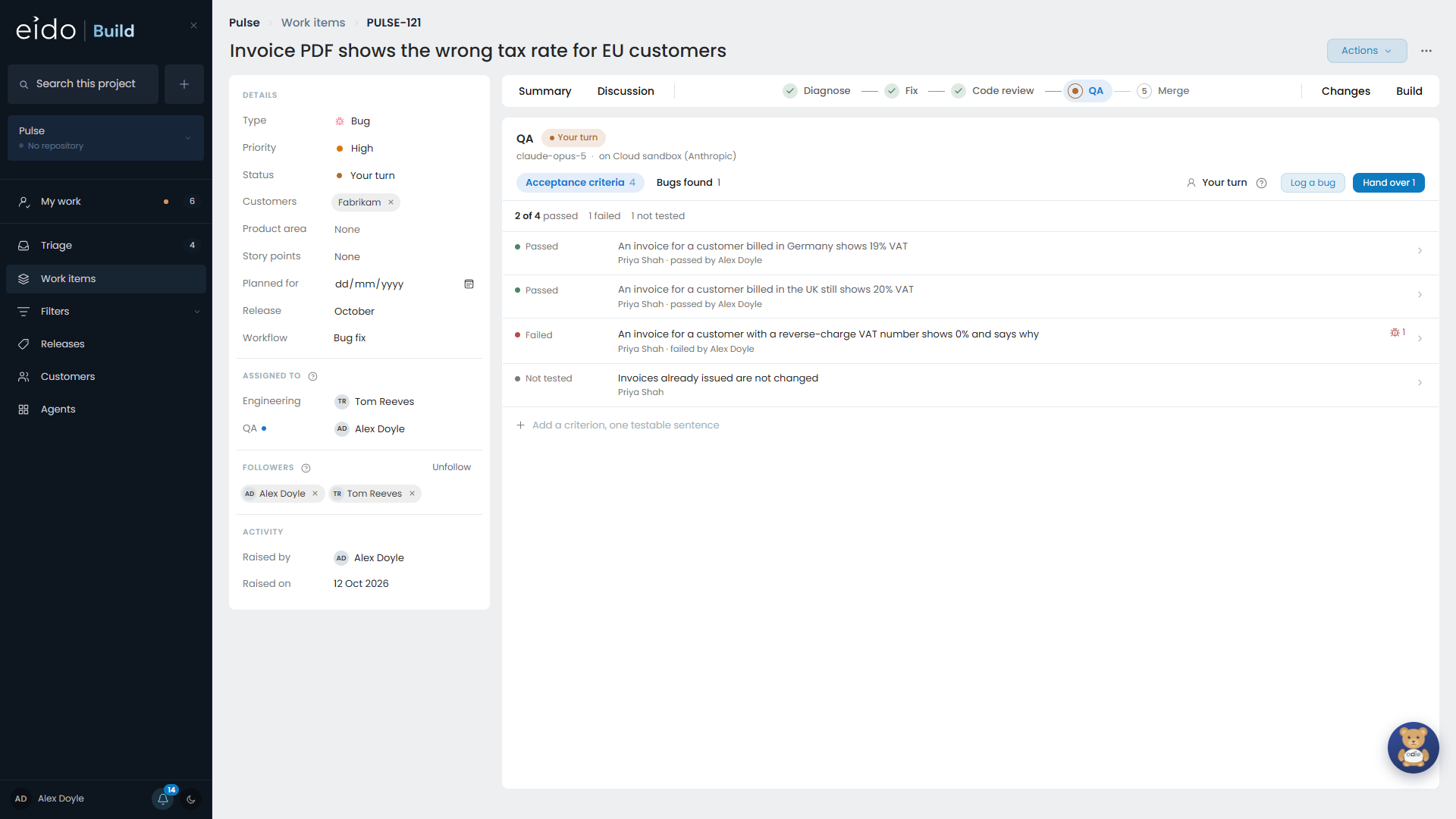
| Bug fix | Diagnose, Fix, Code review, QA, Merge |
| Simple delivery | Build, QA, Merge |
Every one ends at QA and then Merge: nothing merges without somebody having tried it.
A bug takes a different path from a feature because the unknown is different. With a bug the question is why it happens, so the first stage produces a diagnosis and somebody agrees with the cause before any code moves.
Kinds of stage#
| Kind | What happens |
|---|---|
| Agent | An agent works in a sandbox with the repository, talks to people, and produces documents or code. |
| Manual | A person does something, then says it is done. |
| Approval | A named team signs off before the work moves on. |
| QA review | The change is tested against its acceptance criteria, and what was found is decided on. |
| System | Eido Build does it: opens the pull request, waits for approval, merges. |
Any stage can also be held for approval, which parks it when its work is done until one of its approving teams signs it off. See Approvals.
What a stage is doing#
| Status | Meaning | Colour |
|---|---|---|
| Running | The agent is working. | Green, pulsing |
| Waiting for a reply | The agent has finished its turn and is waiting for a person to answer or to mark the stage done. | Amber, pulsing |
| Waiting for approval | The work is done and an approving team needs to sign it off. | Amber, pulsing |
| Waiting on something outside | The stage is asleep until a deployment finishes. | Grey |
| Queued | It is behind a stage that has not finished. | Grey |
| Completed | Done. |
Who has a stage#
A stage names two sets of teams: the teams that take part and the teams that approve. They are separate on purpose. QA might test a change while Engineering decides what to do about what QA found.
So who “has” a stage depends on where it is:
- while it is running or waiting for a reply, it belongs to the team doing it
- once it is waiting for a decision, it belongs to the team deciding
Each stage starts fresh#
Every agent stage starts a new session. It is given the work item and the documents approved so far, and not the conversation that came before.
That makes the document the hand-over. A plan says what the builder needs to know. A diagnosis carries its evidence so that the fixer can check it. It also keeps costs down, because a session re-reads its whole history on every turn.
Each stage starts current#
Before an agent stage runs, Eido Build merges the project’s default branch into the work item’s branch. A clean merge is noted on the stage. A conflict is shown on the work item and given to the agent, and the coding stages resolve it as part of their job.
Work in flight keeps its workflow#
When a work item starts, its stages are copied from the workflow. Editing the workflow afterwards changes work that starts later, and never disturbs work already under way.
When the usual person is away#
An admin or a project admin can approve any stage, and can change which model a stage runs on for one work item. Every decision is recorded under the name of whoever made it, and the page says so when that person is not on the stage’s approving team.