
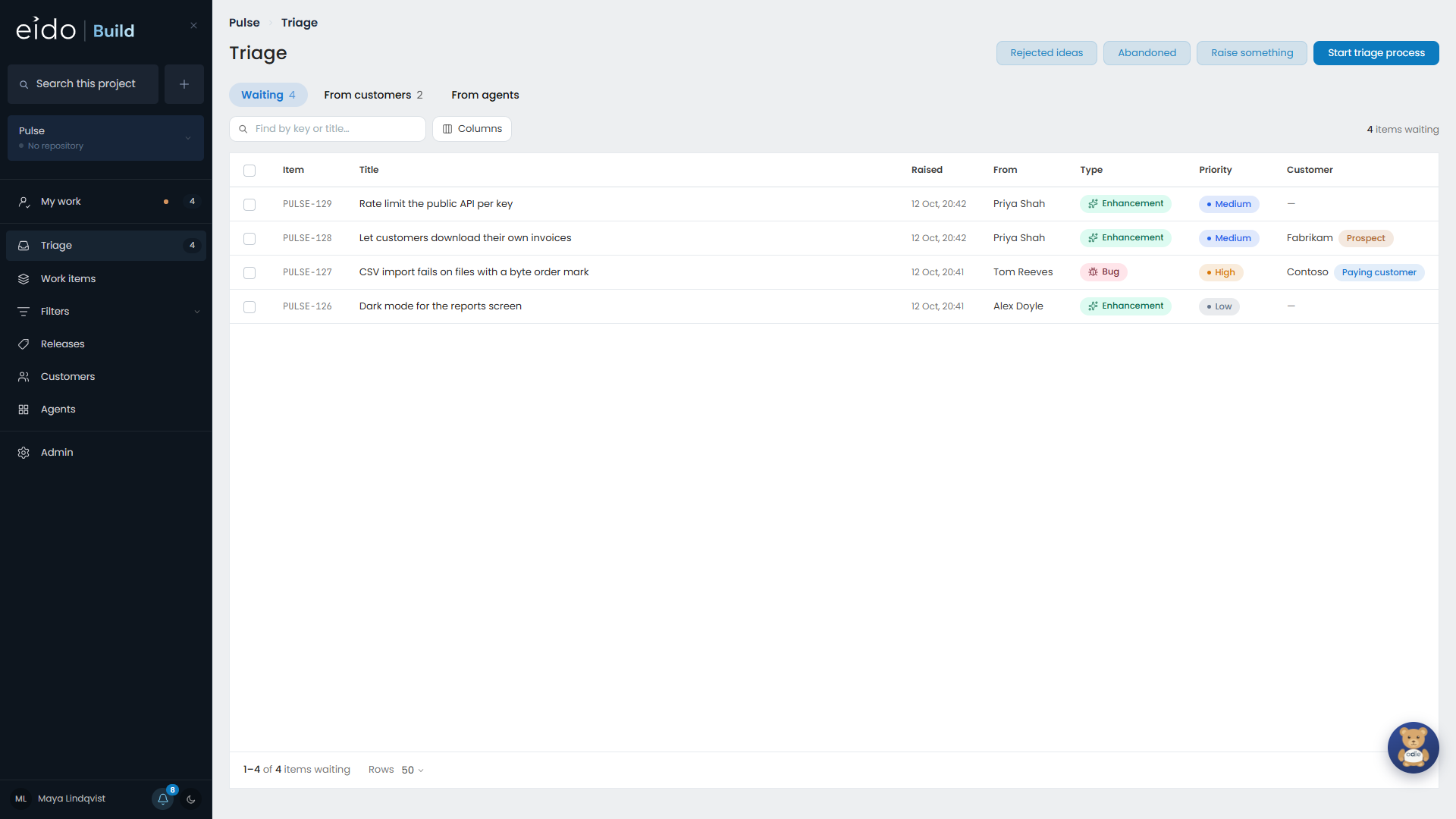
The sidebar#
| Screen | What you do there |
|---|---|
| My work | See what has your name on it, and what is waiting on you. |
| Triage | Look at what has been raised and decide whether it becomes work. |
| Work items | Every work item in scope, as a board or a list, filtered by anything. |
| Filters | Filters people have saved. The ones you star sit in the sidebar. |
| Releases | Plan, open and cut releases. Hidden on a project that ships continuously. |
| Customers | Who asks you for things, and what each of them is waiting for. |
| Agents | The standing agents, their reports and their suggestions. |
| Admin | Setting Eido Build up. Only admins see it. |
The dot beside My work is amber when something is waiting on you and green when nothing is.
The project picker#
The picker near the top of the sidebar, under the search box, sets which project you are looking at. Every screen follows it.
All projects shows every project you can see at once. Nothing from a project you cannot see is ever included. Opening a work item moves the picker to that work item’s project.
Search#
The search box at the top of the sidebar finds work items by their number, their title and the text of their description, and the customers who asked for them.
Search always stays inside the project the picker is on. A customer appears only if they have asked that project for something.
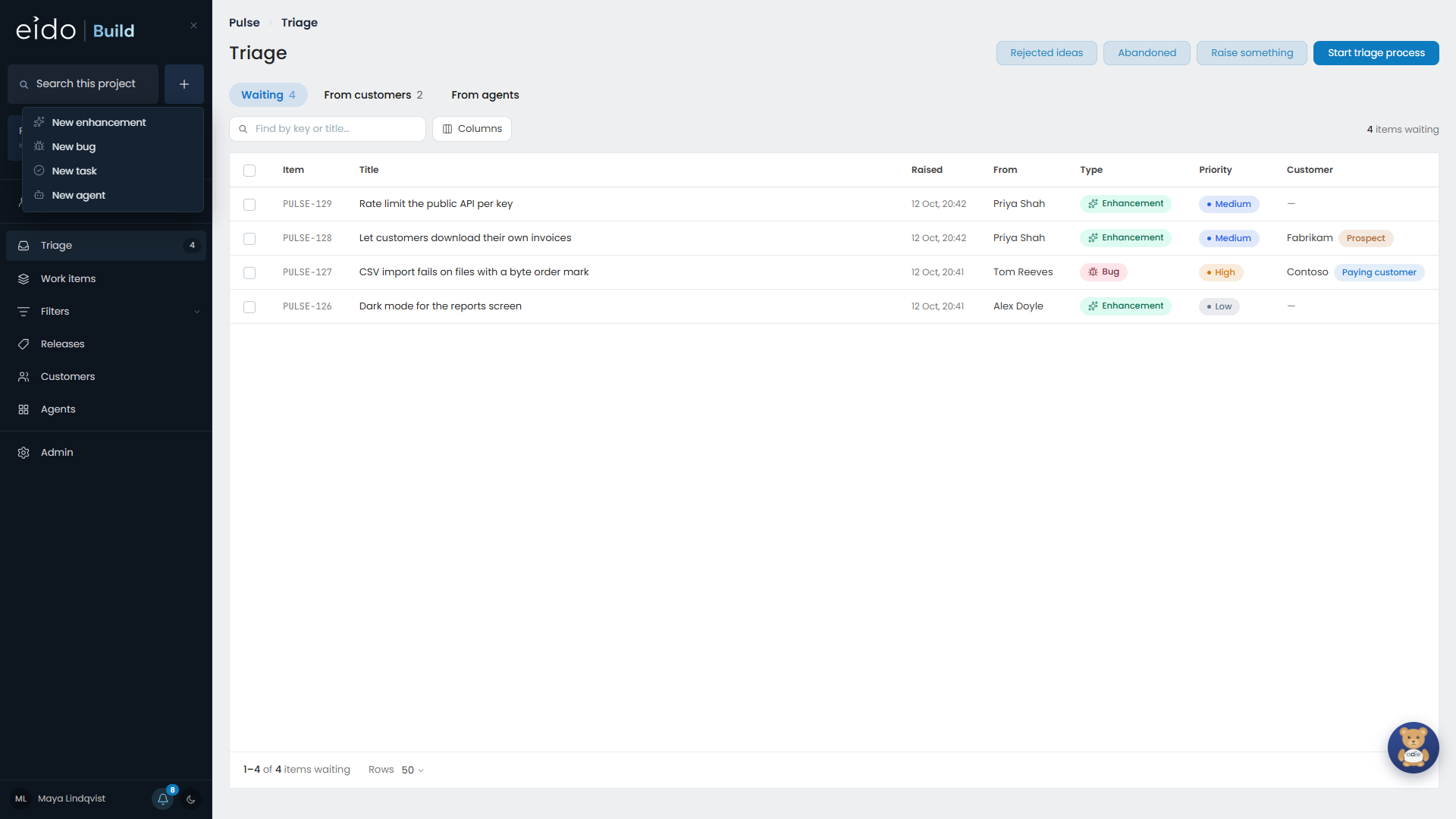
The Create menu#
Create is the + beside the search box. It has one row for each kind of work your project has, such as New enhancement, New bug and New task, and a row for a new agent. Choosing a row opens the same form with that type already chosen. See Raising work.
What the colours mean#
Everywhere a piece of work appears, a dot and a few words say what is happening to it.
| You see | It means |
|---|---|
| Green, pulsing | An agent is working on it right now. |
| Amber, pulsing | It has stopped until a person approves, answers or tests something. |
| Grey, still | It is queued behind something else. |
The words are written for whoever is reading. If a stage is waiting on you it says it is your turn. Everybody else sees who it is waiting on, and for how long, for example “Waiting on Tom Reeves · 6d”. Something that has waited on a person for more than a working week turns amber in the lists.
Lists remember where you were#
Work items, My work and Triage keep their filters, search and sort in the page’s address. That means:
- the browser’s Back button returns you to the list as you left it
- you can paste the address to a colleague and they see the same list
- a row is a real link, so you can open it in a new tab
Light and dark#
Eido Build has a light and a dark theme and starts in whichever your device uses. The switch is at the foot of the sidebar, beside your name and your notifications.