
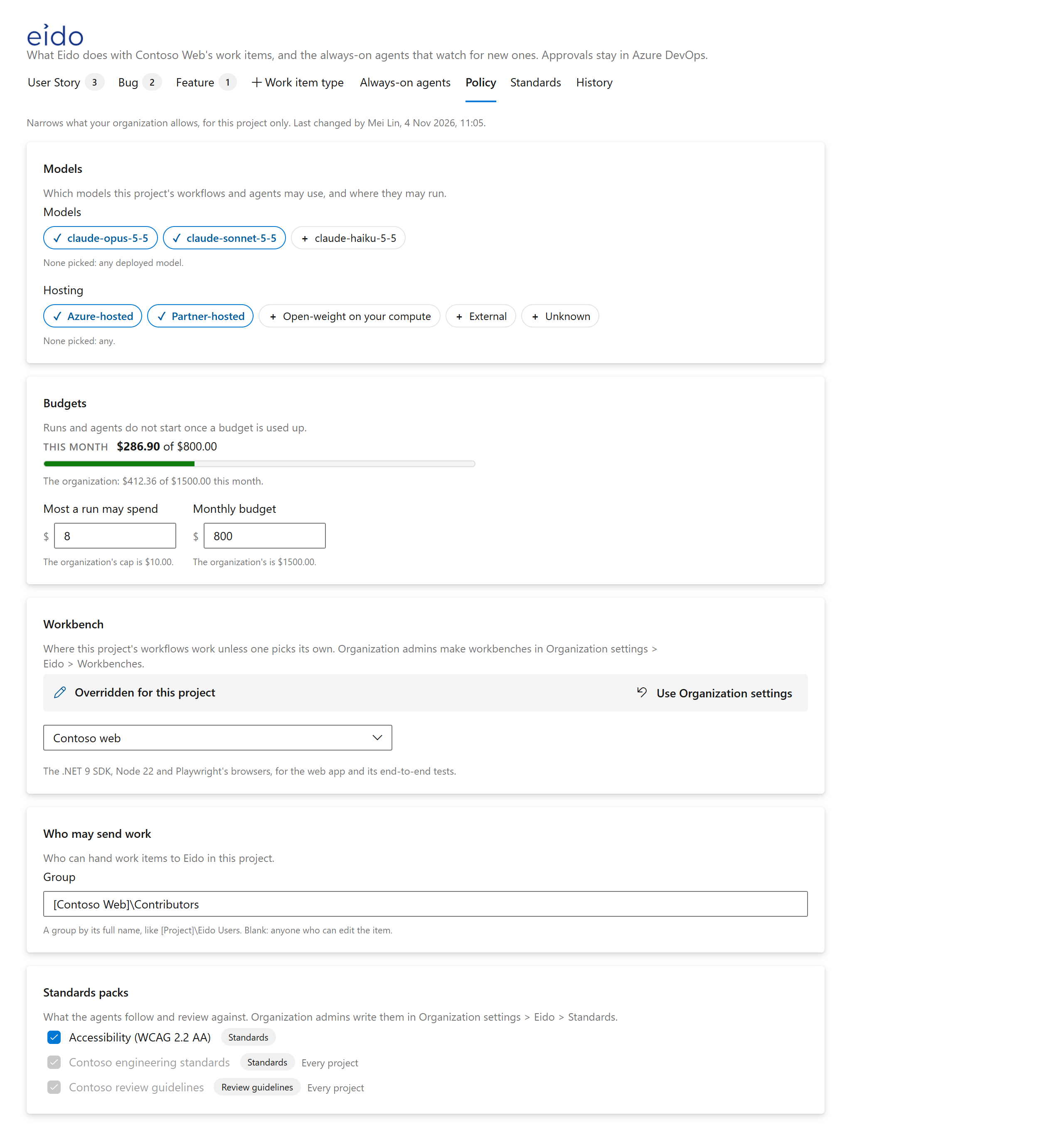
Project settings > Eido > Policy narrows what your organization allows, for this project only. It can tighten, never loosen. Only Project Administrators can change it. Press Save when you are done.
Models#
Models picks which models the project’s workflows and agents may use, and Hosting where they may run, such as Azure-hosted. None picked: any. A model ruled out shows as (not allowed here). See Models.
Budgets#
| Setting | What it does |
|---|---|
| Most a run may spend | A cap on any one run in this project. |
| Monthly budget | The project’s limit for a calendar month (UTC). This month shows what it has spent. |
Blank is no limit. Once a budget is used up, runs and agents don’t start, and a run already going pauses until you raise it. See Costs.
Workbench#
Where this project’s workflows work, unless one picks its own. Inherited from Organization settings until you press Override. See Workbenches and images.
Who may send work#
Group: an Azure DevOps group, by its full name, like [Project]\Eido Users. Blank: anyone who can edit the item.
It covers Send to Eido and assigning an item to Eido. An item someone outside the group assigned to Eido goes back to whoever had it, with a comment saying why.
Standards packs#
Tick the organization’s packs this project’s agents should follow and review against. A pack marked Every project is always on. Organization admins write them: see Standards.
The project’s own packs are on the Standards tab. See Project standards.