
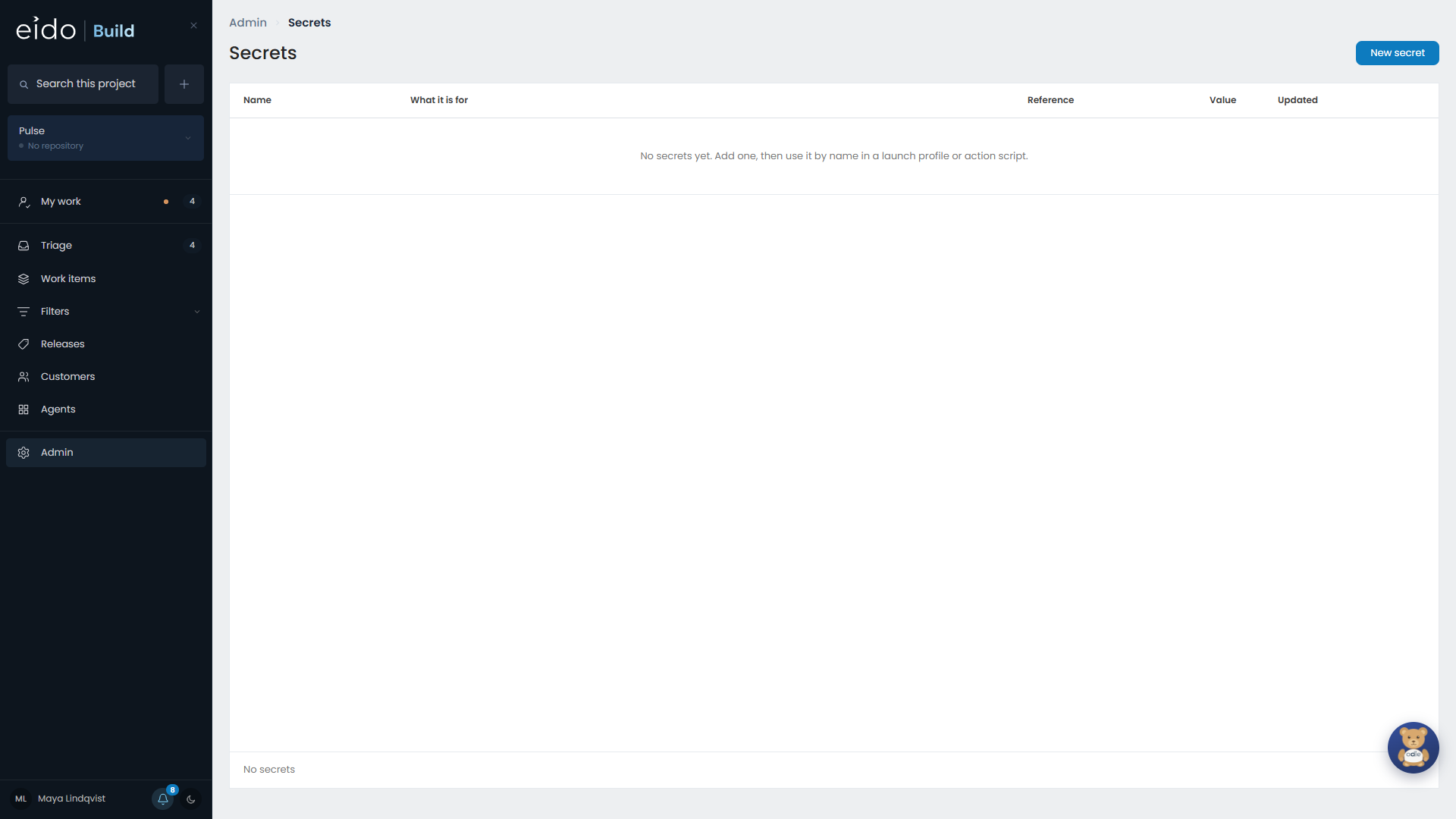
Admin → Secrets holds the credentials you give Eido Build: API keys and tokens for your integrations, and anything your project action scripts need.
What uses a secret#
| Used by | How |
|---|---|
| An integration | An integration names the secret that holds its credential. Eido Build adds it to each request it makes for an agent. |
| A project action | Every secret is passed to an action’s script as an environment variable. |
What cannot use a secret#
An agent. There is no way to hand a secret’s value to an agent, in a workflow stage or a standing agent. An agent is granted actions, and Eido Build makes the call with the credential on its own side. See Integrations for agents.
This is deliberate. A value given to a model is in its context and in the transcript, and no amount of scrubbing afterwards makes that safe.
Add a secret#
Give it a name and a value. Names are how integrations and scripts refer to it, so choose one you will recognise, such as HubSpotApiKey.
You can also create a secret from an integration’s form, at the moment you need it. It lands here like any other.
Secrets that are waiting for a value#
Adding an integration from the catalogue creates an empty secret with the right name. The Secrets screen shows which secrets still have no value, so you can see what is left to do.
Jira and Confluence share one secret, AtlassianApiToken.
Odie and secrets#
When Odie helps you build an agent that needs a credential, it shows a secret card. You paste the value into the card and it goes straight to this screen. The conversation records that the secret is set, and never what it is.
Changing a value#
Replace the value when a key is rotated. Everything that names the secret uses the new value from then on.