
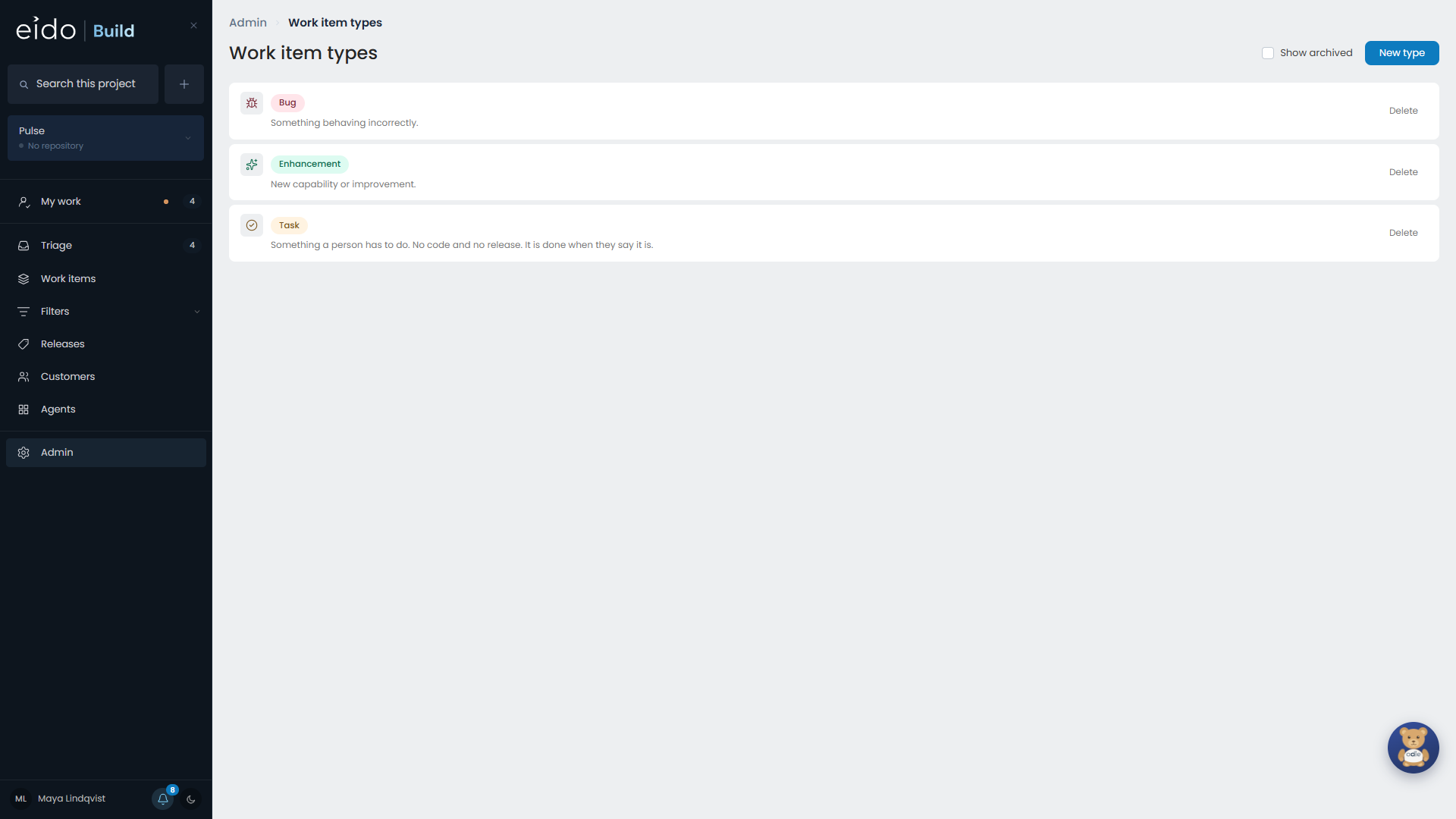
A work item type is a kind of work: an enhancement, a bug, a task. Each type is a row in the Create menu.
Types are managed in Admin → Work item types. When your team wants a new kind of work, such as a change request or a support call, add a type.
How a type looks#
Colour. Pick one of the preset colours or type a hex value. The colour is used for the type’s chip everywhere it appears.
Icon. Pick an icon from the suggestions, or search the whole set of about 1,800.
How a type behaves#
Five switches decide what happens to work of this type.
| Switch | When it is on |
|---|---|
| Cuts a branch | The work item gets a branch when it starts. |
| Goes through triage | It waits in Triage to be approved before it starts. |
| Ships in a release | It is put in a release, on a project that has them. |
| Asks who it is for | Raising one asks for a team and, optionally, a person. |
| Asks when it is due | Raising one asks for a due date. |
For an ordinary code change the first three are on and the last two are off. That is the default for a new type.
Task ships the other way round: no branch, no triage, no release, and it asks who it is for and when it is due. See Tasks.
Types and workflows#
A workflow can claim a type, so that Triage selects it for work of that type. Set this on the workflow. See Workflows.
Changing or archiving a type#
Changing a type’s switches affects work raised afterwards. A work item that already has a branch keeps it.
Archiving a type takes it out of the Create menu. Work items of that type keep it.