
Not every organisation tracks the same things. Custom fields let you add your own facts to a work item: the product area, the department that raised it, story points, a planned date, an epic.
Custom fields are managed in Admin → Custom fields.
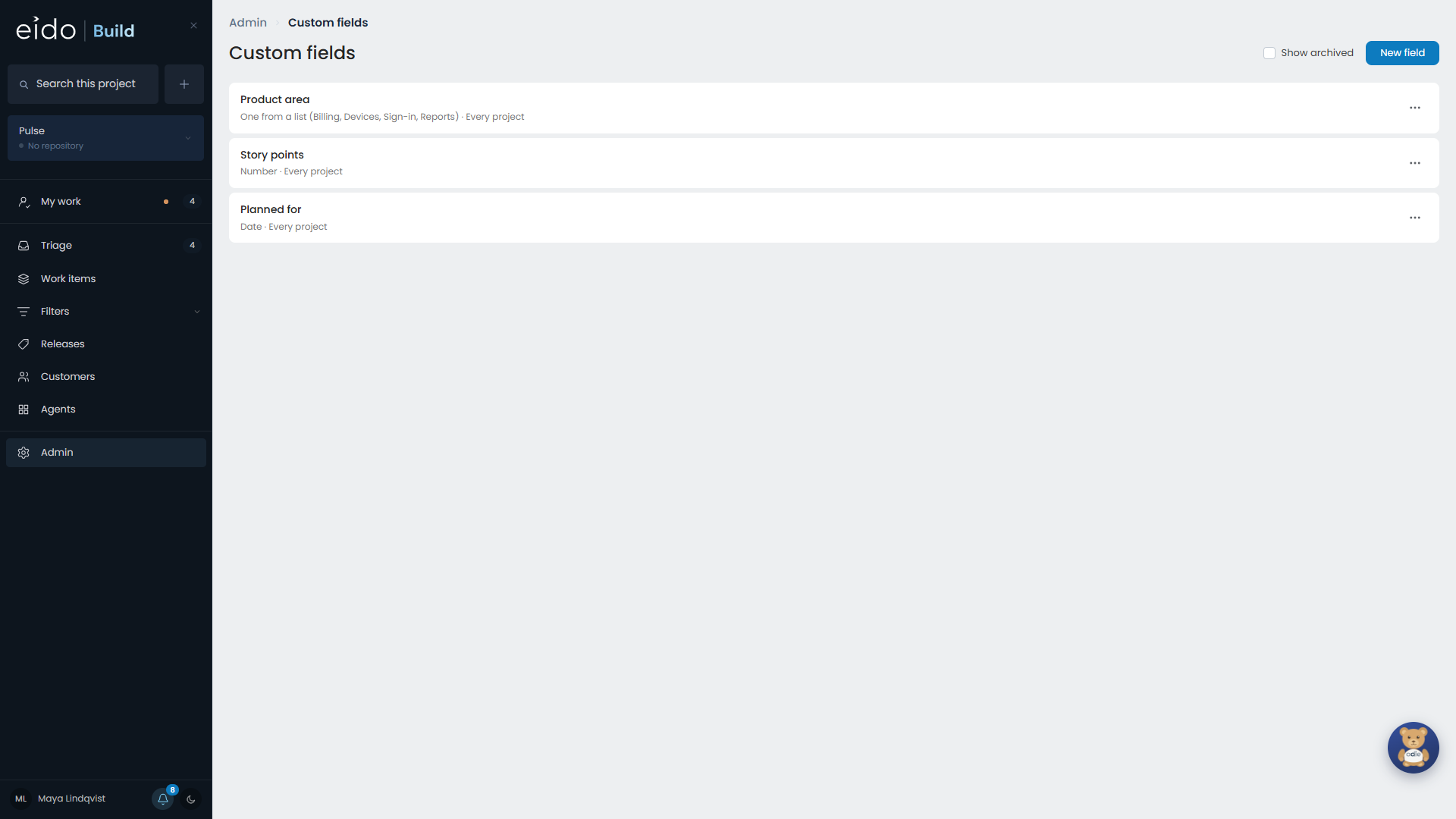
Kinds of field#
| Kind | Holds |
|---|---|
| Text | A line of text. |
| Number | A number, such as story points. |
| Date | A date. |
| One from a list | One option from a list you define. |
| Several from a list | Any number of options from a list you define. |
| Person | A user. |
Where a field applies#
A field can apply to every project or to chosen ones, and to every kind of work or to chosen work item types.
Where a field appears#
Once defined, a field is everywhere a built-in one is:
- a fact on the work item’s page, edited in place
- a box on the form for raising work
- a filter, a column and a sort on Work items, My work, Triage and saved filters
- a way to group My work
- something the bulk Edit fields… can set on many work items at once
Changing a field#
| Change | Allowed? |
|---|---|
| Rename the field | Yes. |
| Rename an option | Yes, at any time. Work that uses the option shows the new name. |
| Add an option | Yes. |
| Remove an option that work is using | No. |
| Change what kind of field it is, once work uses it | No. |
Archiving a field#
Archiving a field hides it everywhere. Its values are kept, and restoring the field brings them back.