
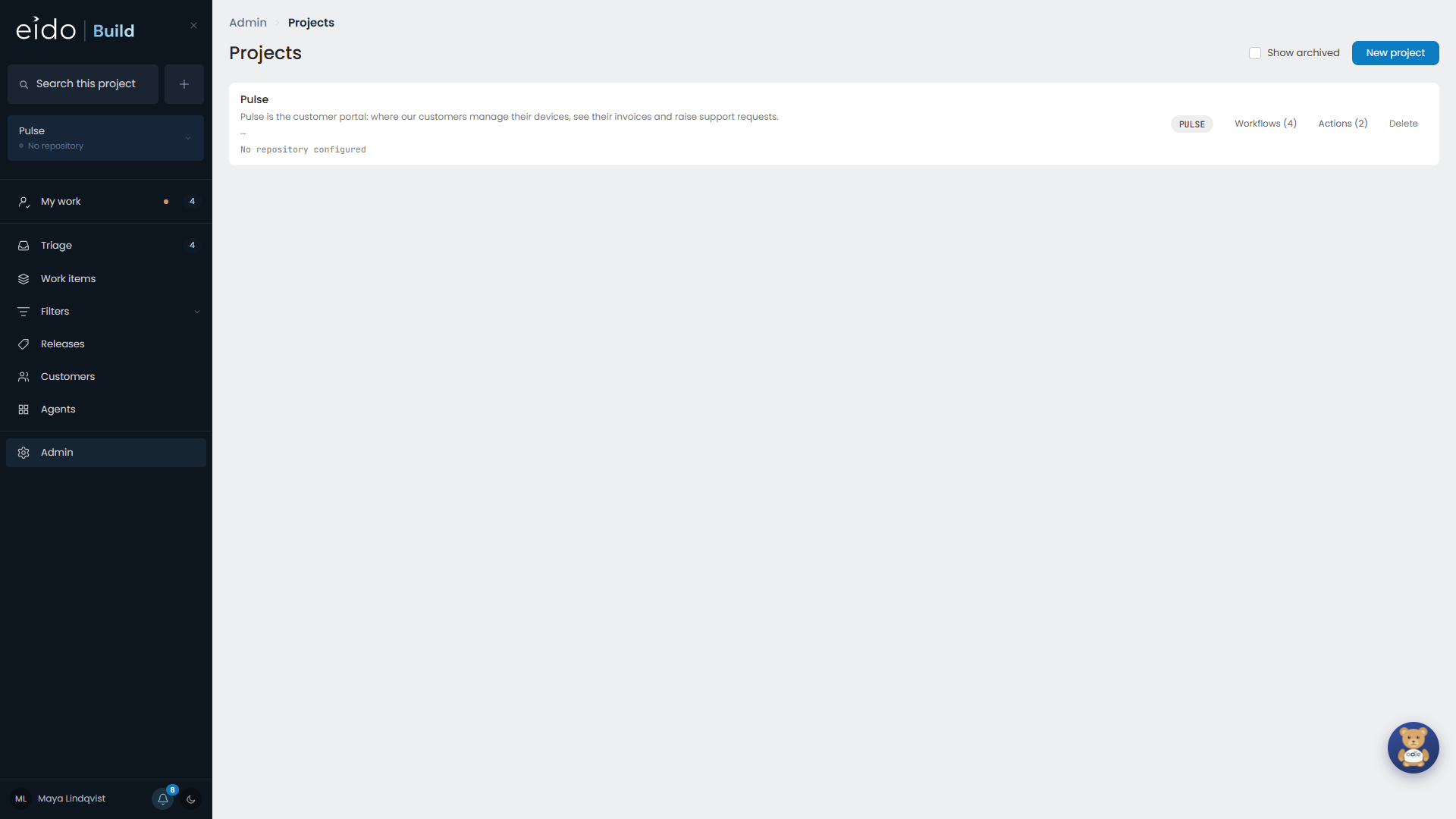
A project is a product and its repository. Projects are managed in Admin → Projects.
Repository#
Point the project at its repository on GitHub or Azure DevOps. Eido Build needs access to it first:
How it ships#
| Setting | Meaning |
|---|---|
| Fixed releases | Work is gathered into a release, which is frozen, checked and cut. |
| Continuous | Merged is shipped. The Releases screen and every release picker are removed. |
Switching a project to continuous leaves its existing releases alone. It only stops putting anything new in one.
Last released version#
On a fixed-release project, set Last released version to whatever production is on, for example v3.1.0. The first release Eido Build cuts counts on from there. Eido Build updates the setting after every cut.
When work is agreed to#
| Setting | Approving at triage |
|---|---|
| Automatic | Starts the work, if its release is in progress. |
| Manual | Records the decision and queues the work behind a Start button. |
Choose Manual if you would rather open a release and then decide what runs, one Start at a time, than watch fourteen agent sessions begin at once.
Numbering and branches#
Next work item number. If you are moving from another tracker, set this above the highest number that tracker used, so existing keys keep meaning what they meant. The number only ever moves forward.
Branch prefix. The first part of each work item’s branch name, eido to start with. Changing it affects branches cut from then on.
Project description#
The description is more than a caption. It is markdown, as long as it needs to be, and it is given to every agent that works on the project: each workflow stage and each standing agent.
Write what a new colleague would need: what the product is, who uses it, the words the domain uses, and the rules nobody writes down. Ten agents each guessing separately is the expensive alternative.
Rewrite with AI tidies what you have written. It lands in the box, and nothing changes until you save.
Where its agents run#
Choose the project’s workbench. A stage can override it.
Odie’s model#
Choose the model Odie uses on this project.
Workflows and actions#
From a project you also reach:
- Workflows, the stages work goes through. See Workflows.
- Actions, scripts people and agents can run against a branch. See Project actions.